
How to Play Super Bear Adventure Online – Easy Steps for Every Device
Do you want to play Super Bear Adventure online with your friends? Or maybe you want to play it on a computer? This guide will show you the safe and simple ways to do it. We will also tell you which websites to stay away from.
First, What Does “Online” Mean Here?
People mean two different things when they say “online”:
- Playing with other people over the internet. This is the game’s multiplayer mode.
- Playing in a web browser without downloading. Many people search for this.
Here is the truth: Super Bear Adventure does not have an official version that runs in a web browser. The official game is an app. You download it from an app store. Then you can play Super Bear Adventure online with others using multiplayer.
Where Can You Get the Official Game?
The game is made by Earthkwak Games. It is available on three platforms:
Device | Where to Get It | Price |
Android phones and tablets | Google Play Store | Free (with ads and optional purchases) |
iPhone and iPad | Apple App Store | Free (with ads and optional purchases) |
Nintendo Switch | Nintendo eShop | Check the eShop for the price in your country |
Always check that the maker’s name says Earthkwak Games before you download.
How to Play Super Bear Adventure Online on a Phone
Follow these simple steps:
- Open the Google Play Store or the App Store.
- Search for Super Bear Adventure.
- Make sure the developer is Earthkwak Games.
- Tap Install (or Get on iPhone).
- Open the game and pick a save file.
- Connect to Wi-Fi or mobile data.
- Walk to the network machine in Bear Village to start multiplayer.
That’s it! Now you can play Super Bear Adventure online with up to 3 friends.
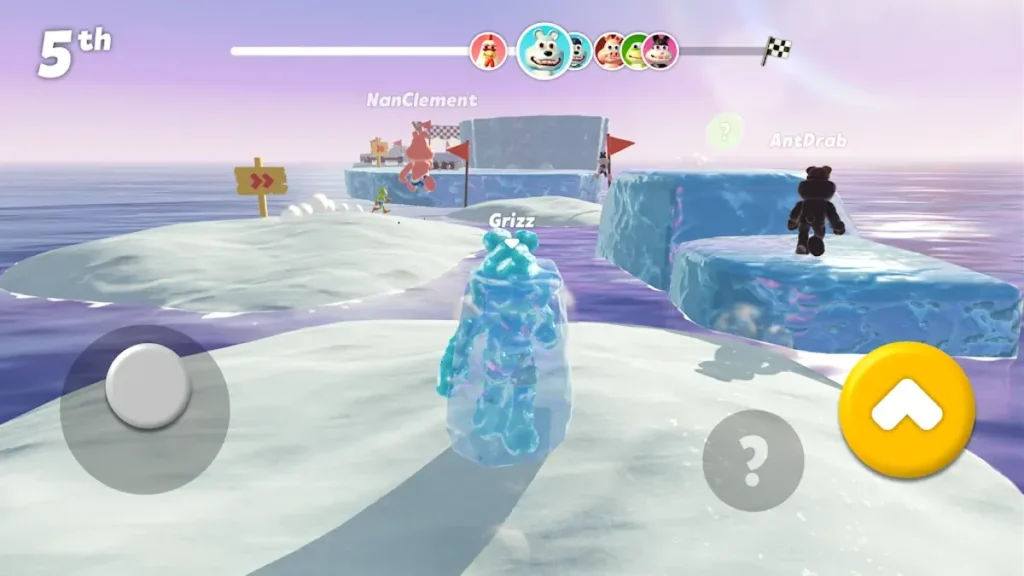
How to Play Online on Nintendo Switch
The Switch version also supports online play for 1 to 4 players. But there is one rule: online play on the Switch needs a paid Nintendo Switch Online membership. Ask a parent to check this before you try.
Can You Play With Friends on Other Devices?
Yes! Multiplayer is cross-platform. That means a friend on Android, a friend on iPhone, and a friend on Switch can all play together. Just make sure everyone has the same game version. If the versions are different, joining a party may not work.
Can You Play Without the Internet?
Yes. On phones, you can play the main adventure offline. You only need the internet for multiplayer and some extras, like ads that give rewards.
How to Play on a PC or Laptop
There is no official PC version of Super Bear Adventure. But some players use an Android emulator. An emulator is a program that lets a computer act like an Android phone. A popular one is BlueStacks.
Here are the basic steps:
- Ask a parent for permission first.
- Download the emulator only from its official website.
- Install it and sign in to Google Play inside it.
- Search for Super Bear Adventure and install it.
- Play using your keyboard or a controller.
Remember: Emulators are made by other companies, not by Earthkwak Games. The game may not run perfectly, and the developer cannot help you with emulator problems.
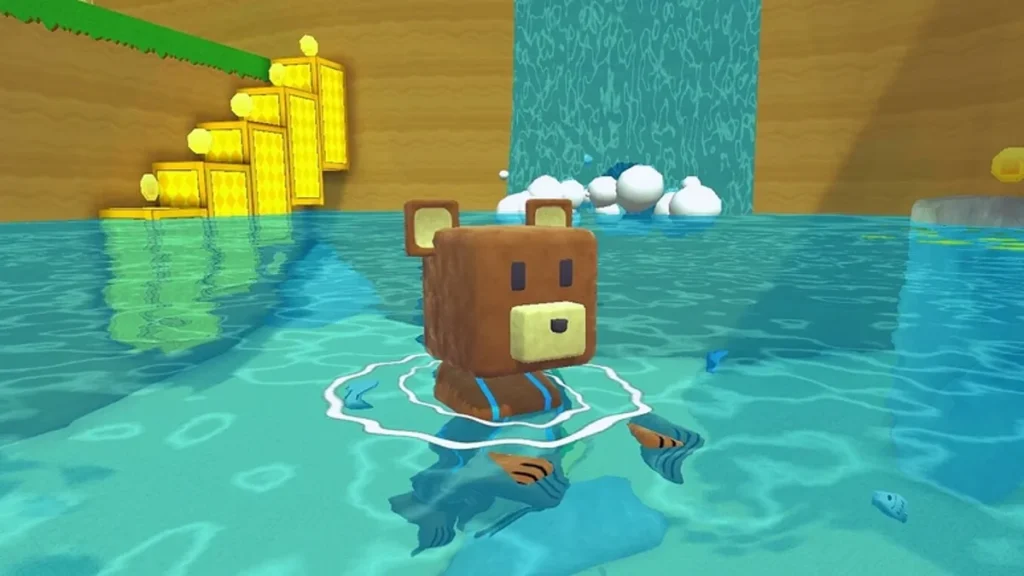
Stay Safe: Avoid Fake “Play Online” Websites
You may see websites saying “Play Super Bear Adventure online free, no download!” Be careful. These are not official. They might:
- Show you a fake copy of the game
- Fill your screen with pop-up ads
- Try to make you download harmful files
- Ask for your password or personal details
The safest way to play Super Bear Adventure online is always the official app from an official store.
Quick Tips for a Smooth Online Game
- Use strong Wi-Fi. A weak connection can cause lag.
- Update the game. Everyone in your party should have the latest version.
- Only play with people you know. Share invite codes with real friends only.
- Never share personal info like your address or school name.
Final Thoughts
There is no official browser version, but it is still easy to play Super Bear Adventure online. Download the free app on your phone, or get it on Switch. Then use the network machine in Bear Village to team up with friends. Stay safe, have fun, and save those bears together!