Super Bear Adventure Multiplayer – Party Rules, Emotes, and Team Tips
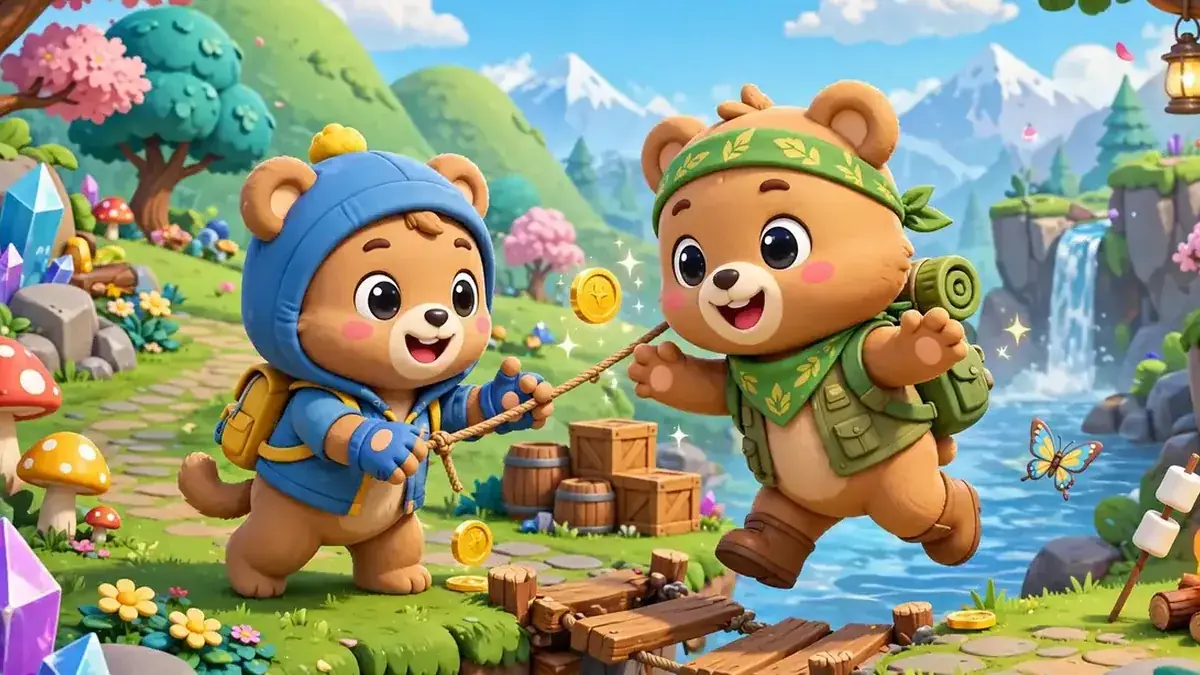
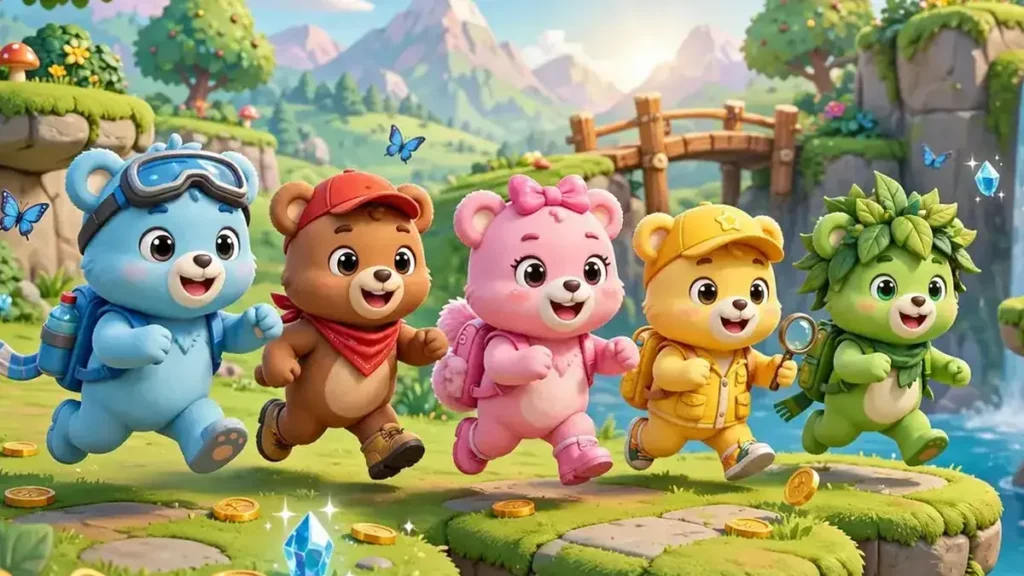
For years, fans asked for one big thing: a way to play with friends. In July 2025, their wish came true! Super Bear Adventure multiplayer lets up to 4 players explore the kingdom together. In this guide, you will learn how parties work, what you can do together, and how to be a great teammate.
When Did Multiplayer Arrive?
- April 23, 2025: Multiplayer first appeared in a public beta on Android.
- July 2, 2025: Update 12.0, “The Multiplayer Update,” brought it to everyone.
- October 16, 2025: Update 12.1 added group emotes and new party fun.
- April 2026: Update 12.1.4 made invite codes easier to copy and paste.
The Basics of Super Bear Adventure Multiplayer
Here are the main facts in one place:
Feature | Details |
Number of players | Up to 4 |
Where to start | The network machine in Bear Village |
How friends join | With an invite code |
Cross-platform | Yes – Android, iPhone/iPad, and Nintendo Switch |
Same version needed | Yes – all players should have the same game version |
How Joining a Party Works
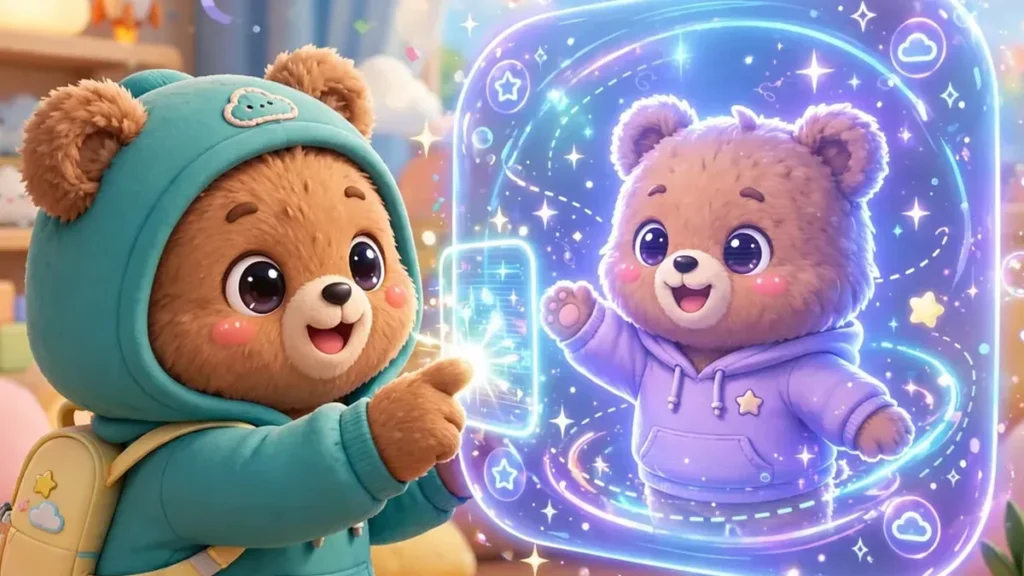
- One player walks to the network machine in Bear Village and creates a party. This player is the host.
- The host shares the invite code with friends.
- Friends enter the code to join.
- Everyone gets ready in the lobby. You can even do emotes while you wait!
If you fail to join, the game shows a help window. Check that everyone has updated to the same version.
Party Settings You Can Change
The host can change the party rules. This makes Super Bear Adventure multiplayer fun in many ways. For example, you can:
- Turn on or off damage to other players
- Turn off collisions, so players can walk through each other
- Change the rules even while playing
- Kick a player out of the party if needed
The Voting System
Big choices are made as a team. The game has a voting system. Players vote to do things like enter a level or reset the map. This keeps things fair, so one player cannot decide everything alone.
Riding Together
Vehicles were improved for multiplayer. Now more than one player can ride in a vehicle! You can cruise across the desert or sail a boat with your friends.
Fun Emotes to Use With Friends
Emotes are actions your bear can do. You pick them from the emote wheel. Some of the best emotes for Super Bear Adventure multiplayer are:
- Group emotes: Hug, high five, and rock-paper-scissors.
- Soccer balls: Spawn balls and play soccer. The goals even keep score!
- Prop hunt: Turn into an object and hide. Can your friends find you?
- Infection tag: Tag other players to “infect” them in a chase game.
- Timer emote: Start a personal timer for races.
You unlock most emotes by opening chests. A few are unlocked from the start.
Multiplayer-Only Challenge
Update 13.0 added the Crystalline Lagoon level. It has an optional area that can only be finished in multiplayer. So you will need a friend to complete it!
Are There Any Limits?
When multiplayer first launched in Update 12.0, three things were not available in multiplayer: The Hive, the Arcade World, and Tristopio’s missions. Later patches have fixed missions in multiplayer mode, so check your game for the latest rules.
Also, personal best times are not saved when you play in multiplayer. If you want to set a speedrun record, play alone.
Tips to Be a Great Teammate
- Talk with your team before entering a level. Decide who goes for coins and who saves bears.
- Don’t turn on damage without asking. Not everyone likes being hit!
- Be patient with new players. Show them the moves.
- Share the rewards. Let everyone have fun collecting things.
- Only play with friends you know in real life, and never share personal information.
Final Thoughts
Super Bear Adventure multiplayer turns a fun solo adventure into a party. You can explore worlds together, vote on where to go, ride vehicles, and play silly games like prop hunt and soccer. Grab up to three friends and save the kingdom as a team!